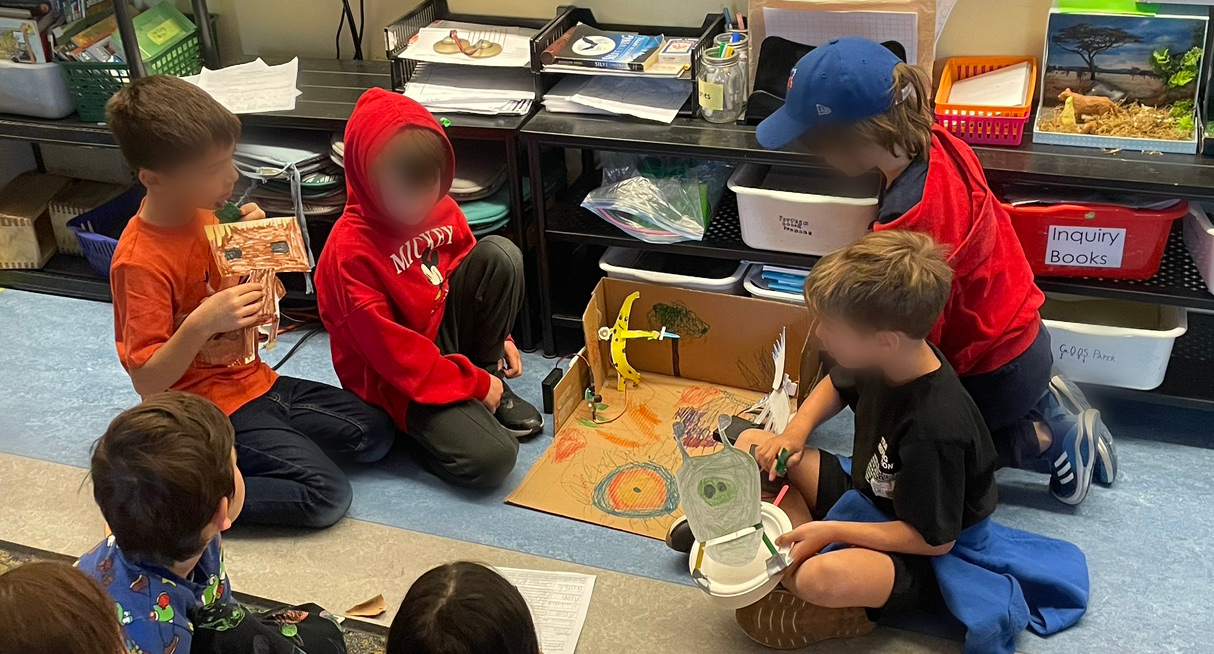
Kids design papercraft characters, plug in motorized boards, and perform improvised puppet shows where mouths move in sync with their voices. Older students mentor younger ones, co-writing scripts and bringing shared stories to life.
Animatronics combines creativity and STEM, but the barrier to entry is high — trained engineers, expensive parts, complex code. We wanted an affordable kit that lets K–6 students build talking paper robots and tell their own stories, with enough versatility for open-ended play.
Each kit includes a Linear Motor, a Rotational Motor, control boards, and a battery pack. Students attach servos to cardboard puppets with custom 3D-printed mounts that tape onto papercraft — no screws or tools required.
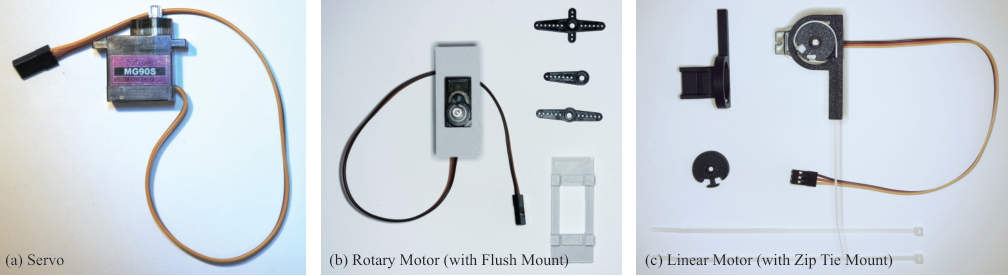
The Rotational Motor uses interchangeable horns that clip onto the servo shaft, giving a small surface to tape onto the moving part of a puppet. The Linear Motor converts rotation into back-and-forth motion: one zip tie secures the bracket to the servo, and a second winds around the horn so students can tape a jaw or limb to the moving end.
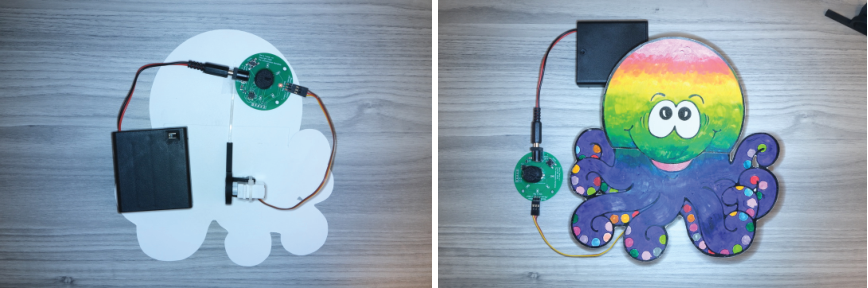
Before the longer classroom deployment, we ran a pilot with a Junior Kindergarten class (ages 4–5) at a Toronto lab school to test whether the kit was understandable and durable enough for very young makers. Over three one-hour sessions, the school's technology teacher led 30 JK students from “What is a puppet?” through sketching original characters, building papercraft puppets, and performing short one-line stories with the Mic Board.
Students worked in small groups while the research team helped attach Linear Motors and set board limits — tricky for four-year-olds with still-developing fine motor skills. Once the settings were saved, they had no trouble performing: they loved watching their characters talk when they spoke into the microphone.
The pilot showed us that the boards and motors could survive rough handling and that children this young could still tell stories through animatronics — it gave us confidence to scale up to the Grade 2 and Grade 6 study.
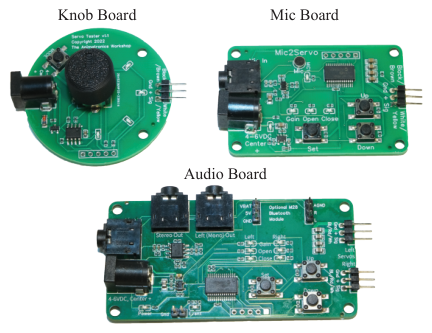
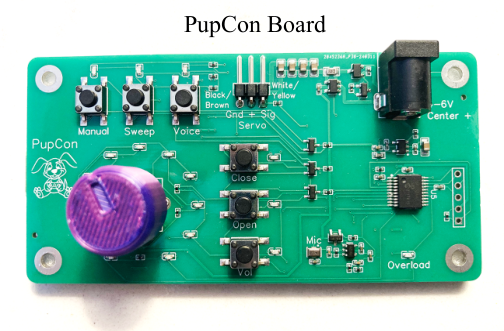
We also learned that JK students loved pressing every button at once, and that the Knob Board and Mic Board worked differently enough to confuse young users — the knob sets motor limits on one board, but the Mic Board uses separate up/down buttons with no visual feedback for microphone sensitivity. Those observations led us to design the PupCon (puppet controller) board, which combines both boards and unifies the interface: the knob controls the motor in Manual Mode and changes settings in Config Mode; Voice Mode works like the Mic Board with a higher-quality microphone.
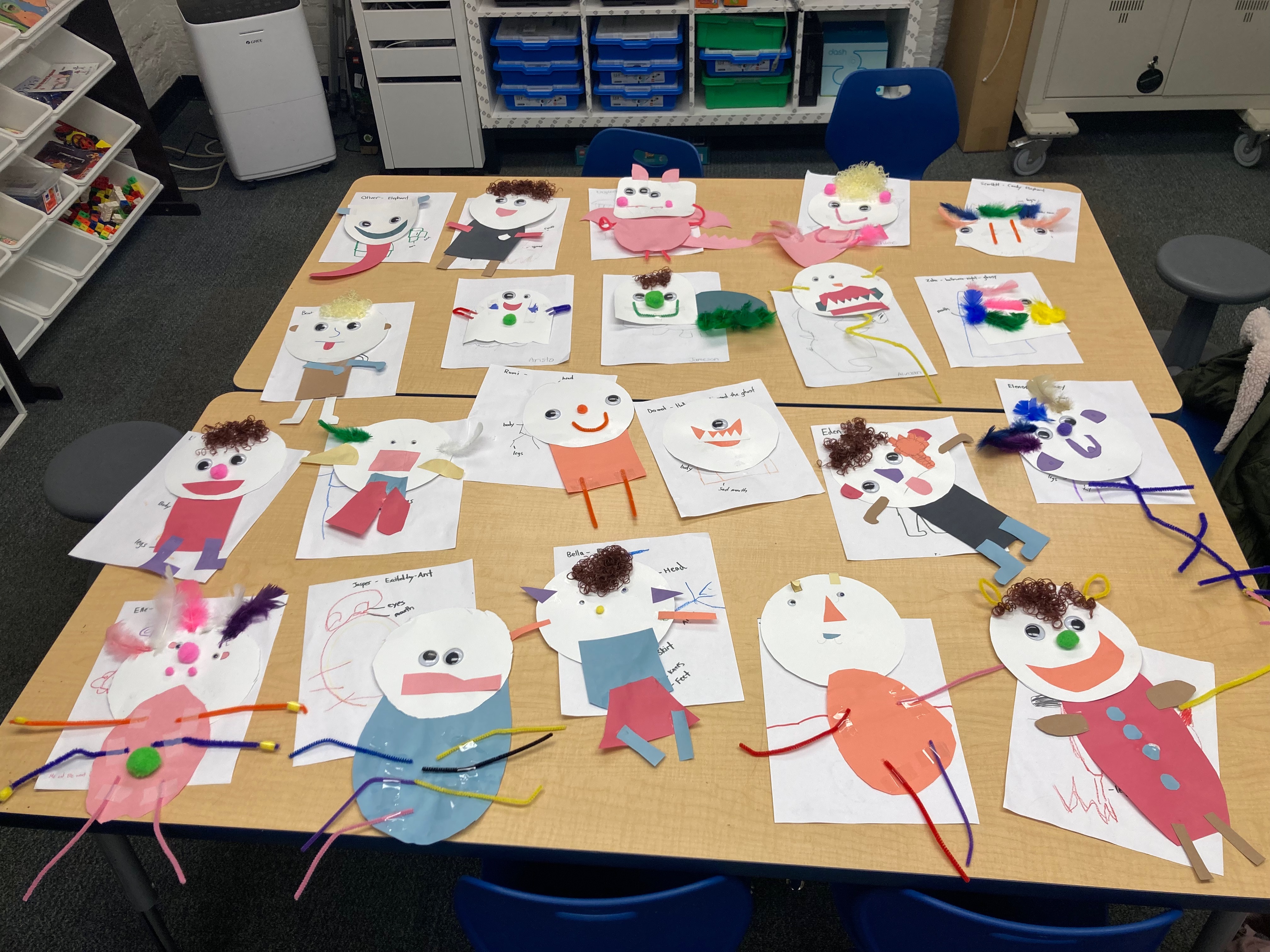
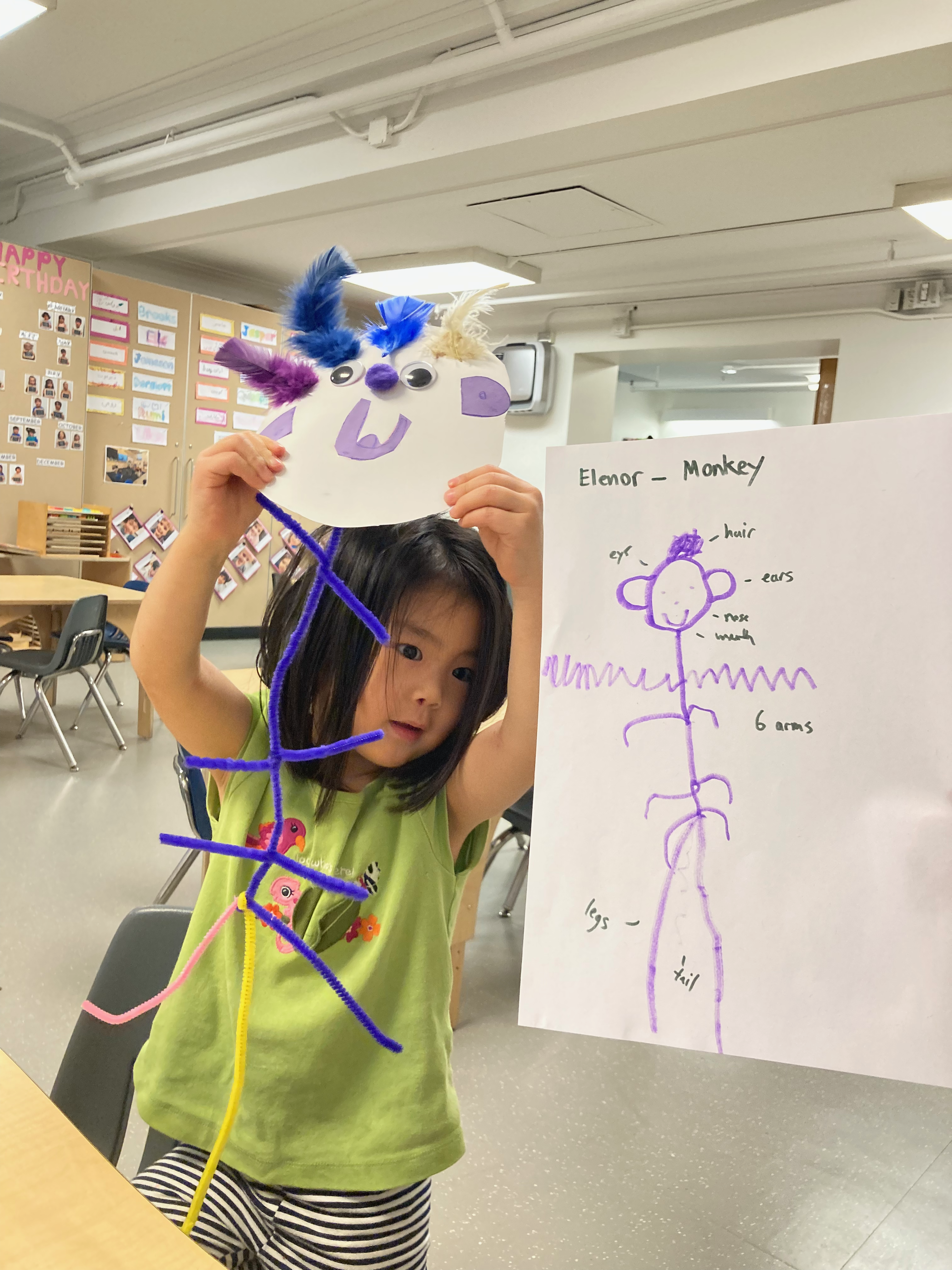
Over 13 sessions across eight weeks, we worked with a Grade 6 class and a Grade 2 class at a Toronto elementary school. Grade 6 students first explored the kit independently, then mentored their Grade 2 "special friends" to co-create characters and perform shows.
Students were given boards and motors with minimal instruction and tasked with figuring out how they worked. They built characters inspired by animals, pop culture, and each other — including a Whack-a-Mole game and a puppet with an animated tongue. Many gravitated toward the Mic Board at first, but in a noisy classroom some found it too sensitive and switched to the Knob Board for more reliable control.
Students who finished early and wanted a bigger challenge moved on to the Audio Board, which replaces the onboard microphone with a 3.5 mm audio jack. They recorded dialogue on a classroom laptop, then played it back through the board to animate their puppets — a step toward pre-recorded skits and more complex shows. Hiro used the Audio Board to record lines for his chick puppet; experimenting with music taught him that the board responds to volume, not lyrics — the mouth opens whenever there's sound and closes in silence. Ryan went further, wiring two Rotational Motors to the Audio Board's dual outputs so a bird puppet's wings flapped to his recorded “flippity-flappity” sound effect.
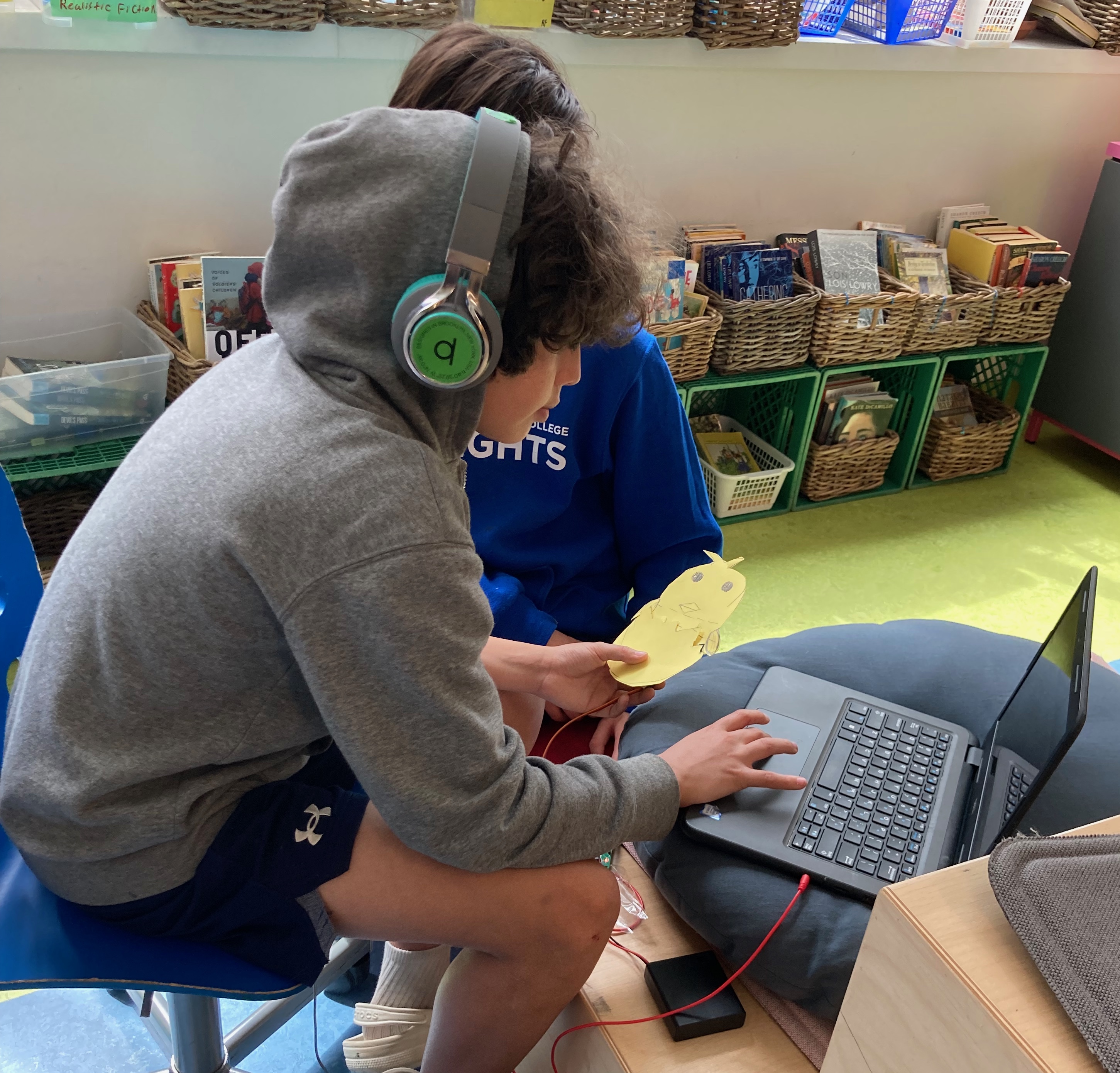
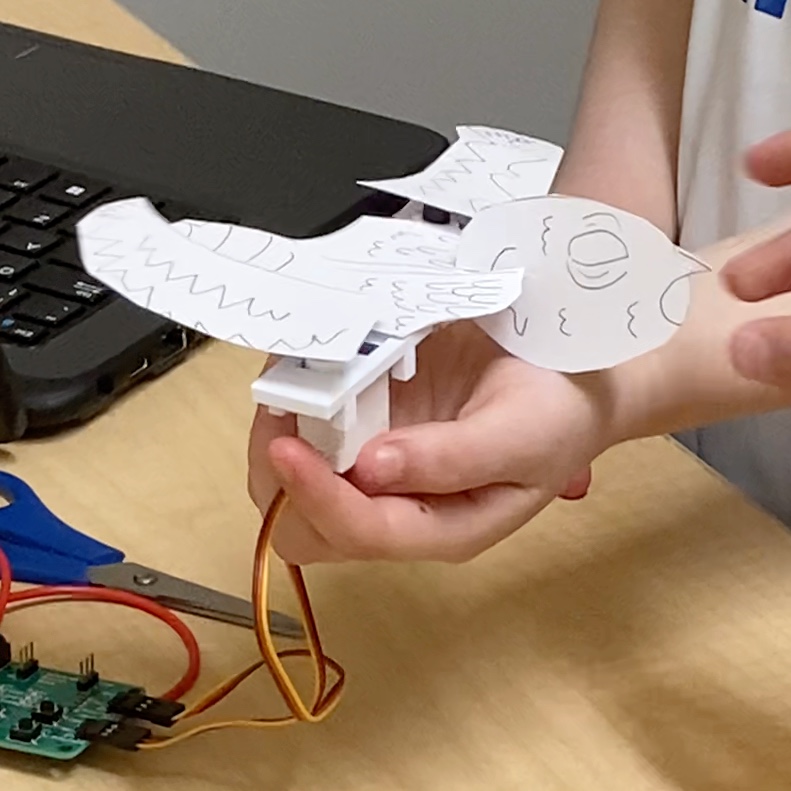
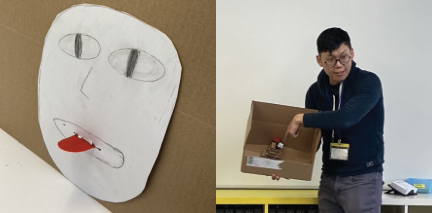
Grade 6 students guided Grade 2 partners through building and performing. Most pairs preferred the Knob Board for precise control in noisy classrooms, though younger students showed particular wonder at voice-actuated motion.
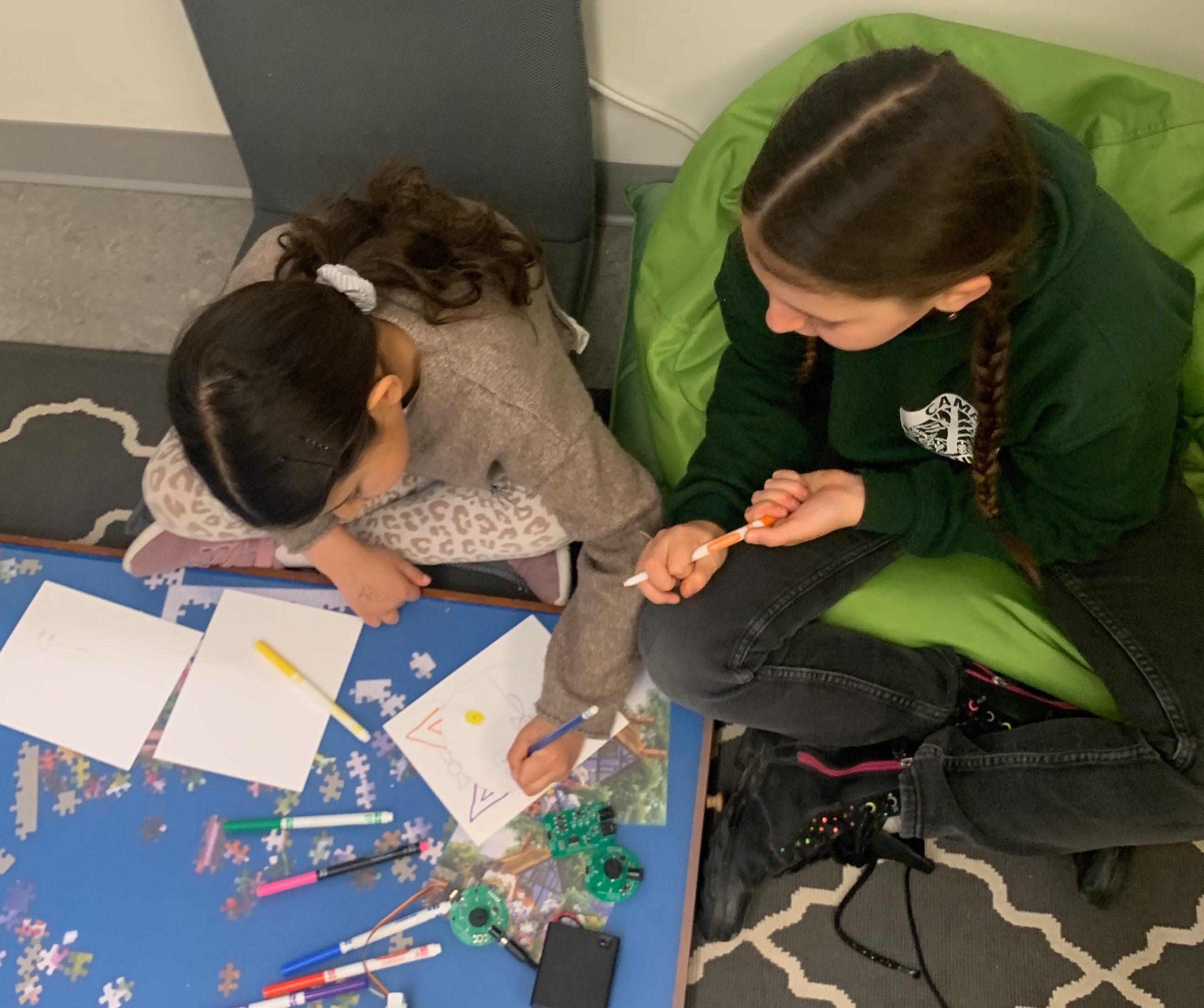
Students wrote scripts collaboratively, designed backgrounds, and performed shows for their classmates. One pair wrote a fairy-and-troll story; another built a spaceship that evolved across sessions.
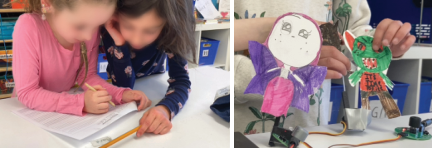
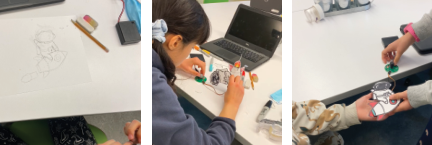
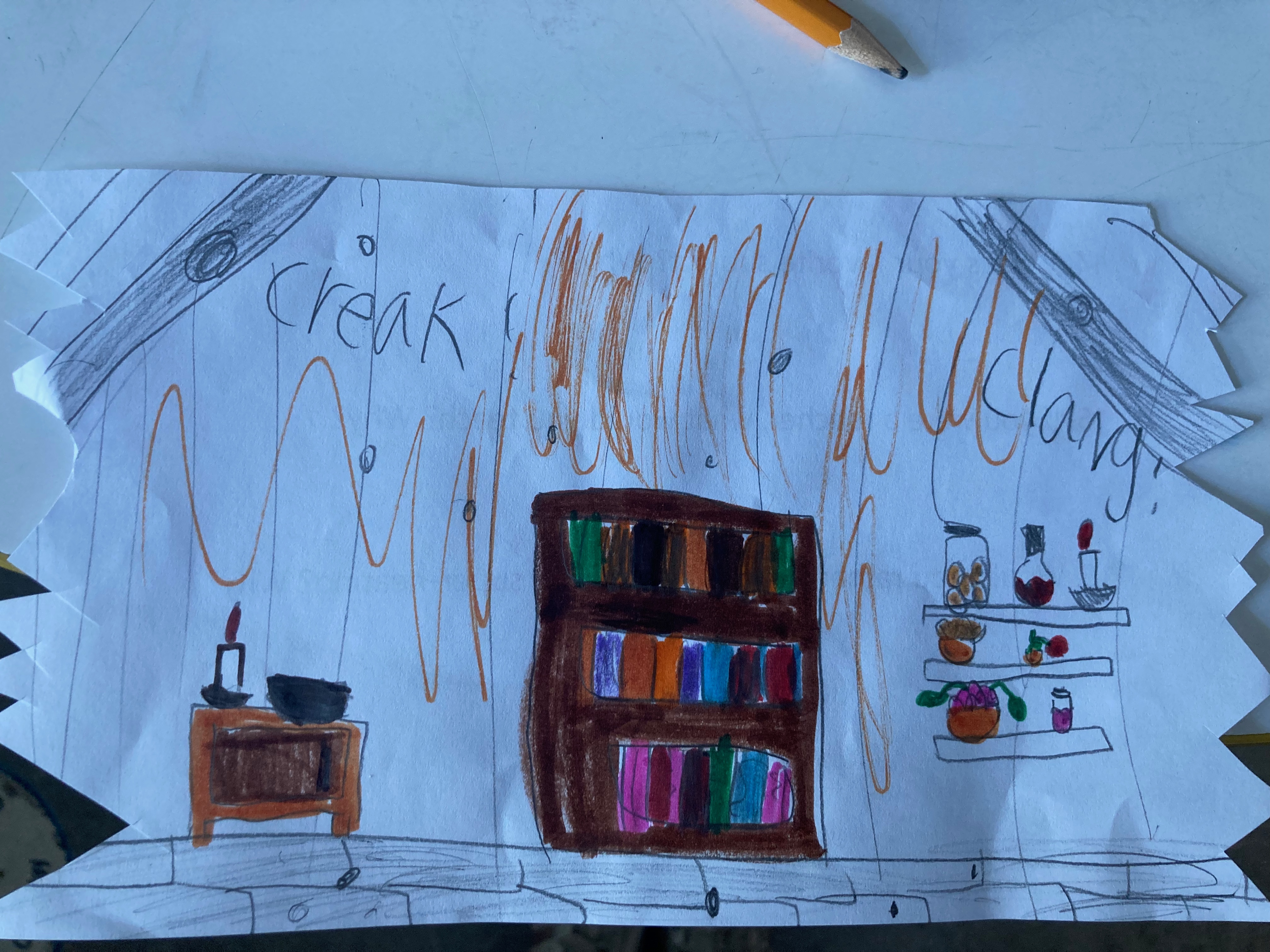
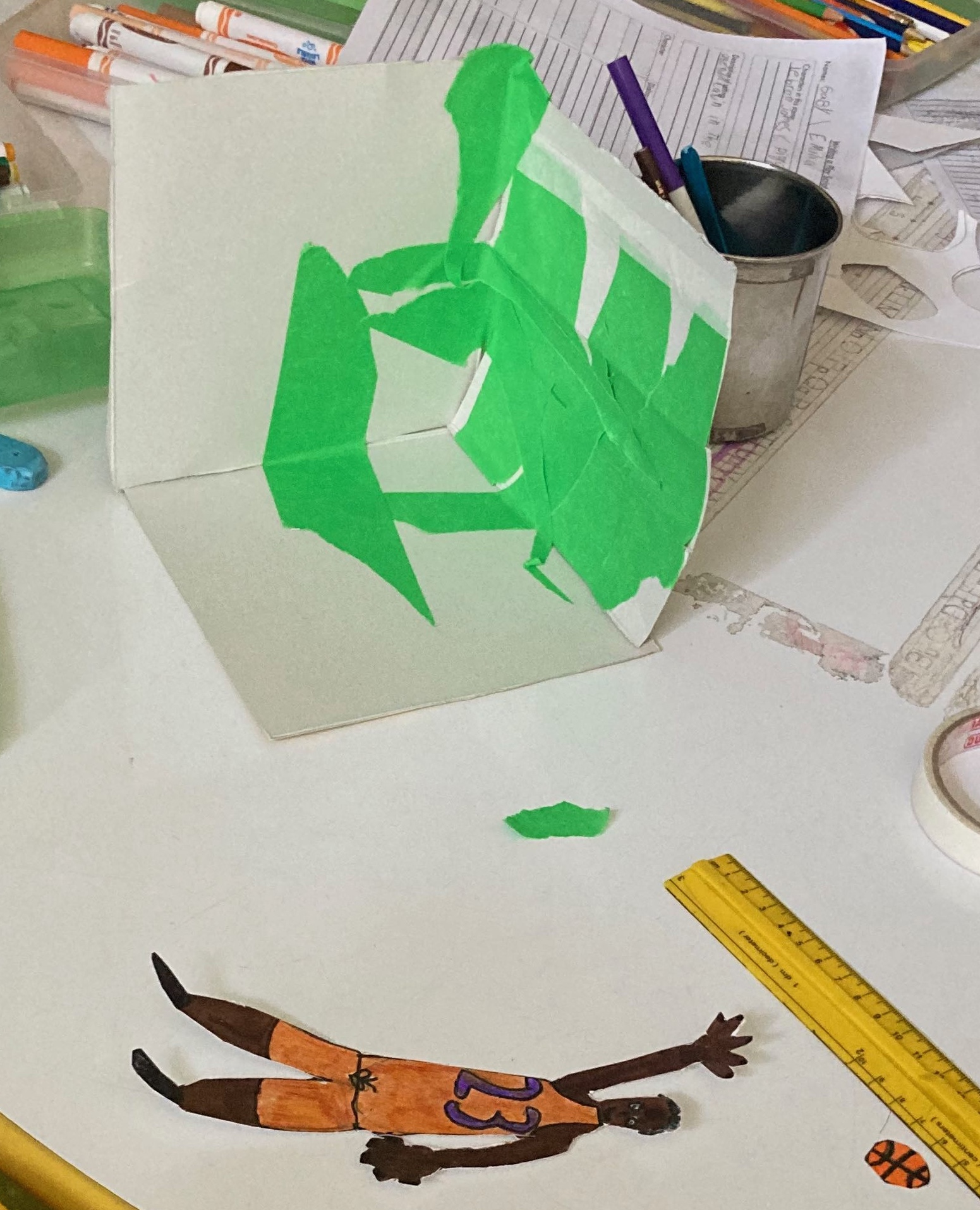
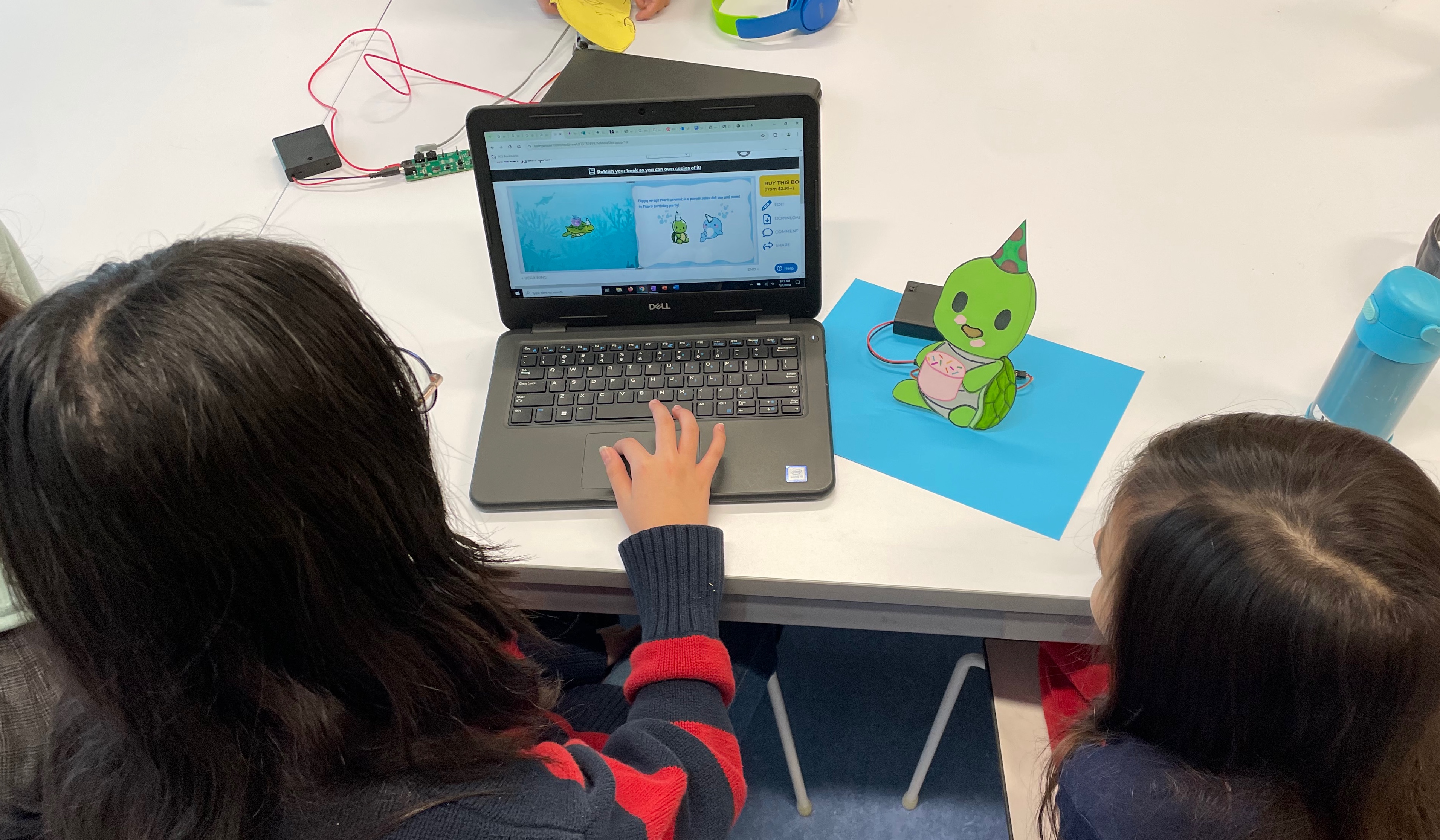
Before the classroom deployment, we ran wizard-of-Oz studies to test puppet designs and module configurations with participants building and performing papercraft shows.
IEEE FIE 2024 paper · SIGGRAPH Labs 2025 workshop paper · ARIA 2024 demo · PhD thesis (Ch. 3)
